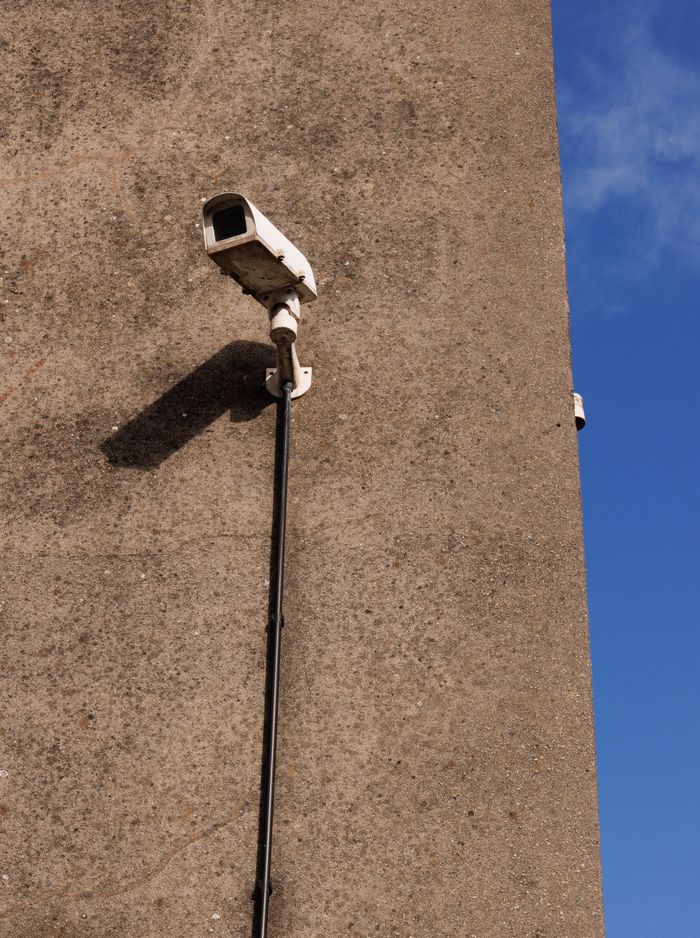

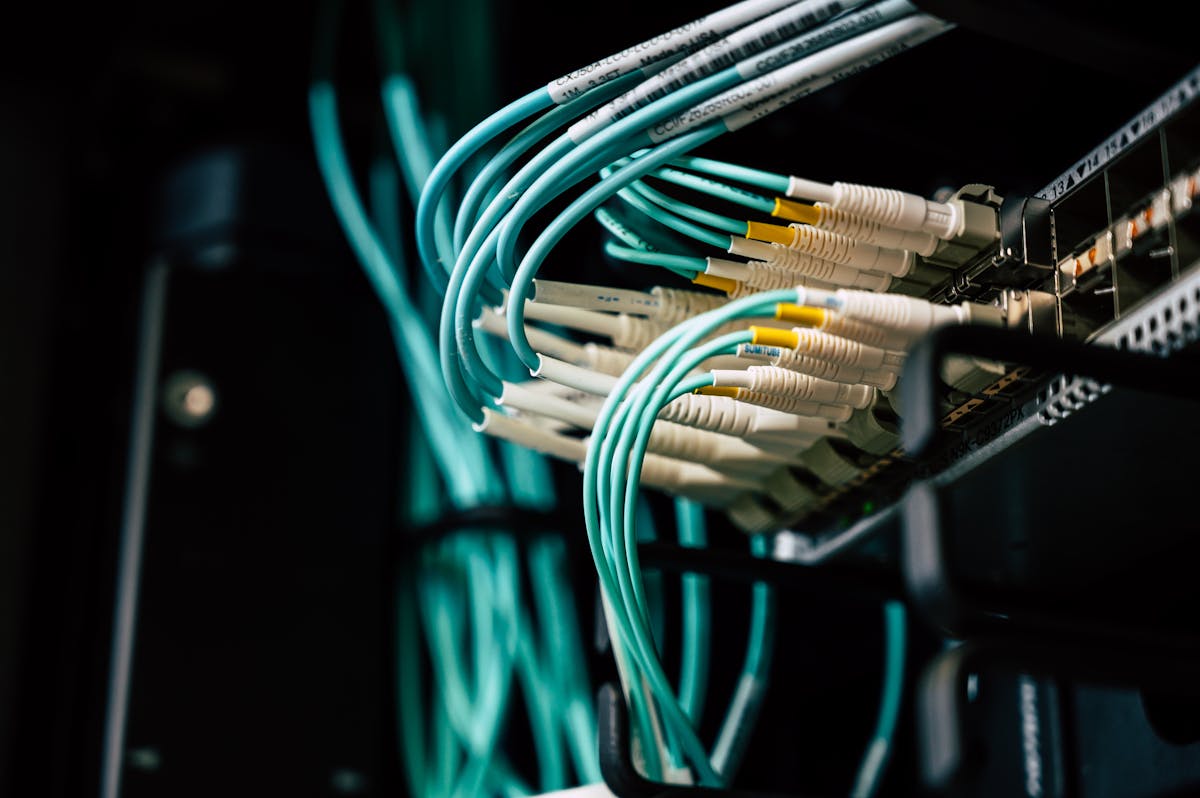
"The internet is down" is rarely actually about the internet. More often than not, it's a power problem wearing an internet-shaped costume — a router without backup power, a switch that lost juice mid-transfer, or an ISP's own equipment upstream going dark during an outage. The fix isn't a faster connection. It's planning for the power in the first place.
Start with what actually needs to survive an outage
Not everything needs battery backup. Trying to keep every desktop and monitor running through an outage is expensive and usually unnecessary. What matters is keeping the core alive: your router, your main switch, your access points, and — if it's business-critical — your server or NAS. That's a manageable, affordable list to protect properly.
Sizing a UPS properly
The single most common mistake we see is a UPS bought by price rather than by load. A cheap unit might carry your router for twenty minutes, which sounds fine until you remember Kenyan outages routinely run longer than that. Sizing should start from two numbers: the combined wattage of what you're protecting, and how long you actually need it to run.
- List every device that needs to stay powered and add up their wattage
- Decide your target runtime — 30 minutes is a baseline, 2+ hours for anything business-critical
- Size the UPS with headroom, not right at the edge of its rated capacity
- Test it under real load periodically — a UPS that's never been tested is a guess, not a plan
Redundant links, where they're worth it
For businesses where connectivity genuinely can't drop — payment processing, call centres, anything client-facing in real time — a second, independent internet connection with automatic failover is worth the monthly cost. The key word is independent: a second line from the same ISP sharing the same last-mile infrastructure often fails at exactly the same moment as the first.
The mistakes we see most often
- UPS units installed once and never load-tested again
- Backup power covering the router but not the switch it's plugged into
- Generators that power the building but were never wired to reach the server room
- No documented runtime — nobody actually knows how long the backup will last
None of these are expensive to fix once identified. They're just invisible until the outage that exposes them — which is exactly the outage you were trying to plan for.